01
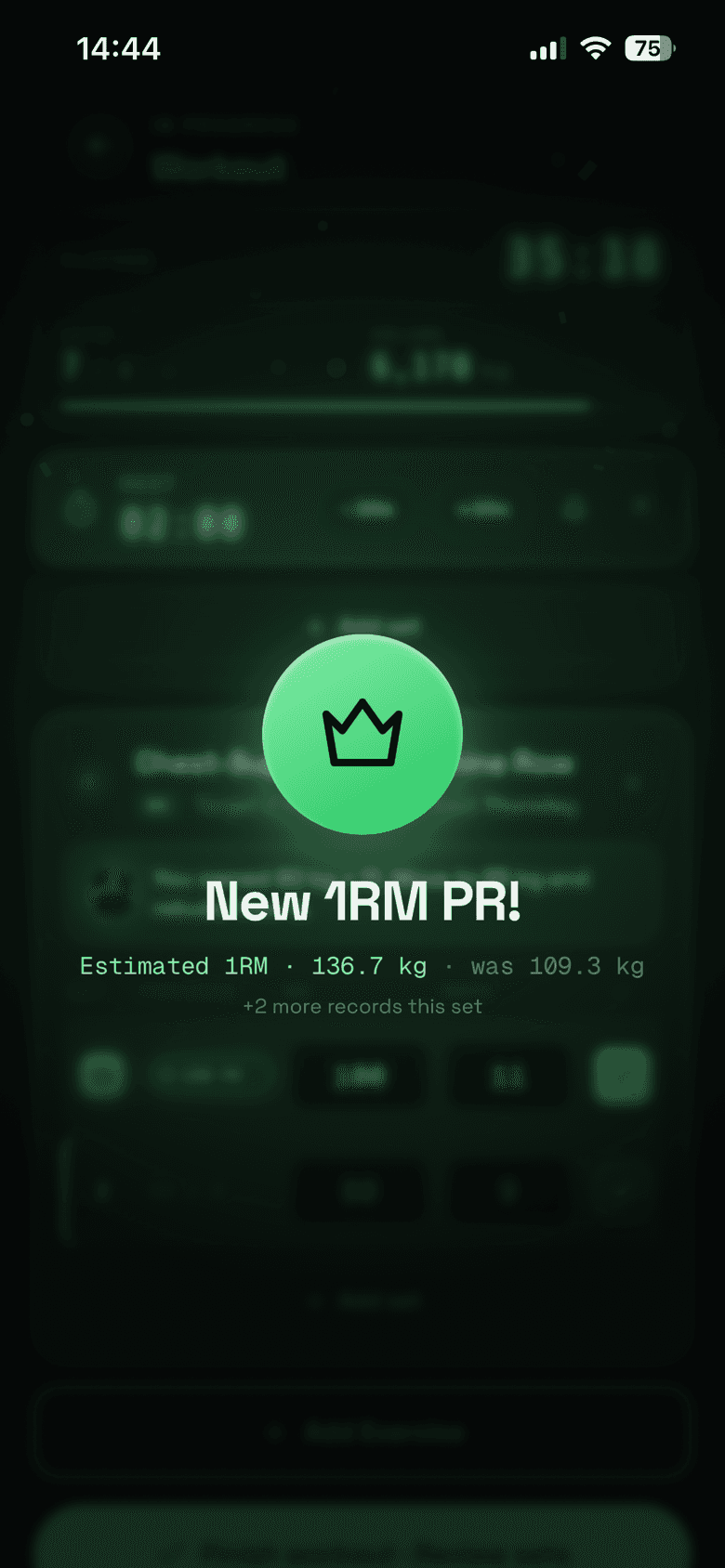
Log your set.
You finish your set. Enter your weight and reps, then get back to training.
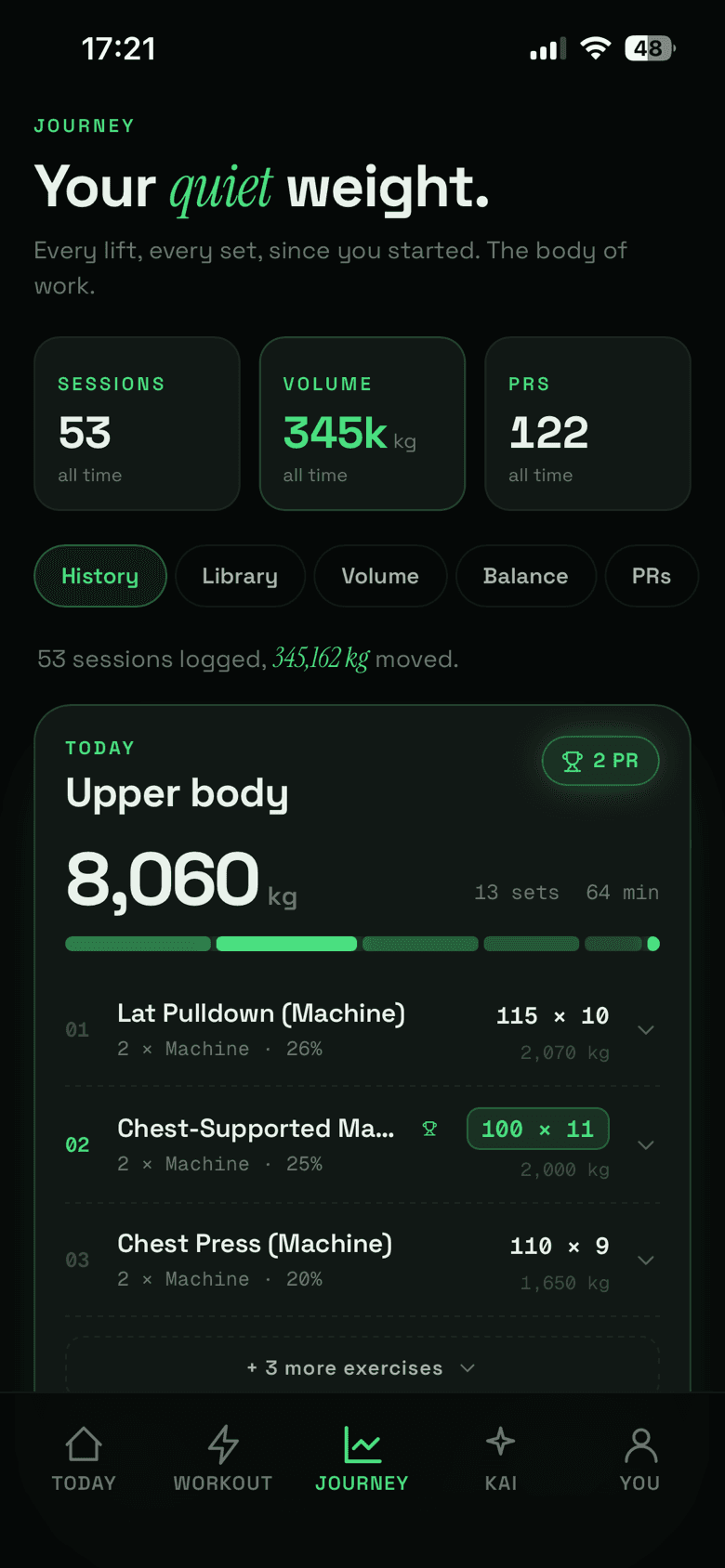
Bask keeps your training history together, so you can see what you did previously without digging through old sessions.
Your workout does not always go to plan. Your coach should know that.
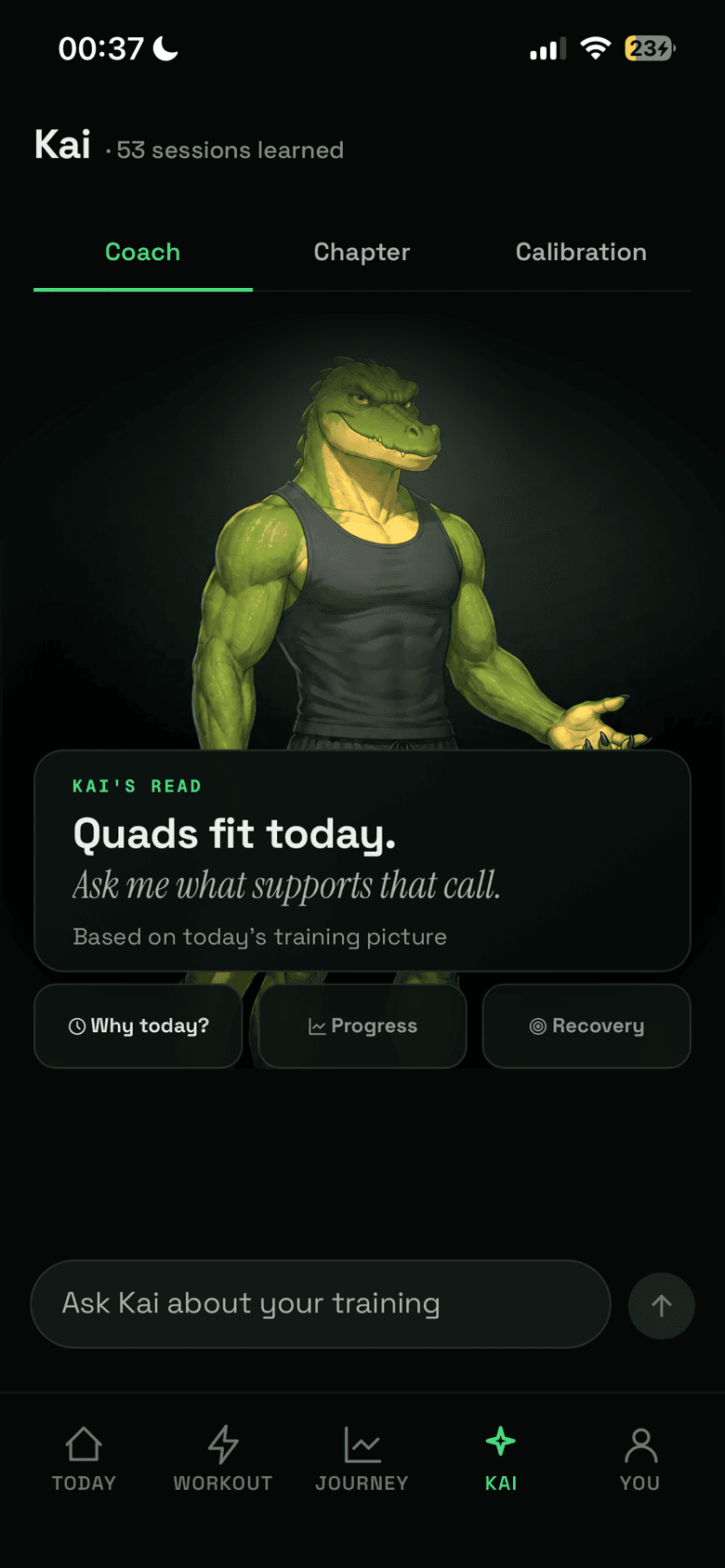
Meet Kai, the AI fitness coach inside Bask. Log what you lift, and Kai helps choose your next exercise based on what you have trained today, what you have done this week, and what your body is ready for.
Less planning. More lifting.
Free to download. iPhone.
Most workout trackers save what you have done. Most training plans tell you what to do before you have even walked into the gym.
Bask brings the two together.
Kai follows your workout as it happens. It looks at the sets you have logged, the muscle groups you have trained, and your recent history to help decide where your session should go next.
You train. Kai pays attention.
You finish your set. Enter your weight and reps, then get back to training.
Bask keeps your training history together, so you can see what you did previously without digging through old sessions.
As your workout progresses, Kai checks which muscles you have trained and how their weekly workload compares with their targets.
It considers your training history and available recovery information instead of treating every session as identical.
Kai's next pick
When it is time for another exercise, Kai suggests what to train next. It uses the work you have logged, the week so far, and the recovery information it has available. It also explains the recommendation.
No rebuilding your plan halfway through your workout.
Machine taken? Exercise not feeling right? Ask Kai for a different option.
It can suggest alternatives for the same training need, taking your saved equipment and movement restrictions into account.
The final decision is always yours.
Log sets, follow your history, and keep your personal records in one place.
Kai compares weekly training volume with muscle-specific targets.
Suggestions reflect what you have actually completed instead of blindly following a fixed list.
Saved exercise exclusions, equipment restrictions, and reported injuries inform what Kai recommends.
Understand why an exercise was suggested instead of simply being told what to do.
Kai is not here to replace a qualified personal trainer, diagnose injuries, or guarantee results. It is a training companion built to help you make better-informed decisions in the gym.
If you have never logged an exercise, Kai will not pretend it knows your exact starting weight. If something does not suit you, you can choose another movement.
Your progress is yours. Bask helps you navigate it.
No. Bask is designed to guide your training around what you actually do, so you do not need to rebuild a rigid program whenever your session changes.
Kai considers the work you have completed during the session, weekly workload, training history, and available recovery information. It also takes your saved exercise restrictions into account.
Yes. You can ask Kai for another option. It can suggest alternatives that fit the same training need while accounting for your saved equipment and movement restrictions.
Yes. Bask logs your sets, workouts, training history, and personal records. Kai uses that history to inform future guidance.
You do not need to be experienced at writing workout programs to use Bask. Kai provides direction, but you should still learn proper exercise technique and select appropriate weights.
Bask is free to download and free to train with today.
Bask is currently available on the App Store for iPhone. We do not currently advertise an Android version.
Your training history. Your progress. Your AI fitness coach.
Download on the App StoreFree to download. iPhone, iOS 15 or later.
Bask provides training guidance, not medical advice.